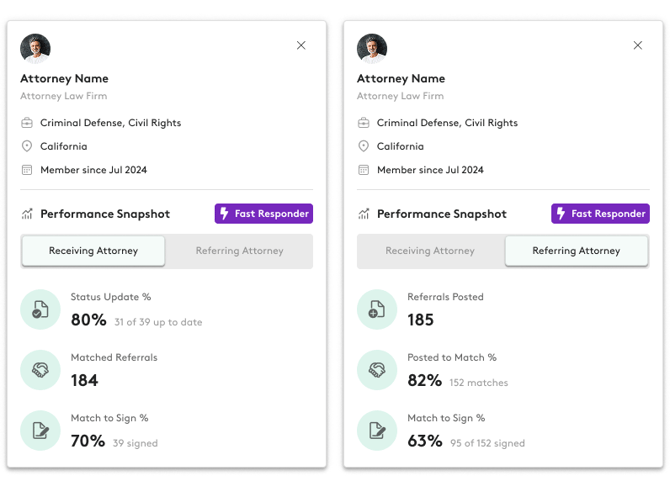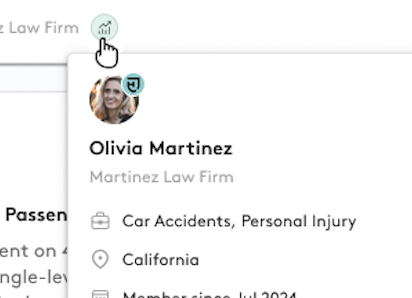
Performance snapshots allow you to get a sense of another attorney's performance on Attorney Share at a glance. When you hover over the performance icon or go to an attorney's page on the member profile you can see how they are performing on Attorney Share. We show:
Receiving Attorneys:
- Status Update % (number of updates they've provided/number due)
- Number of matched cases
- Sign % (number of signed cases/number of matched cases)
Referring Attorneys:
- # of Cases Posted
- Match % (posted cases/matched cases)
- Sign % (signed cases/matched cases)
If the attorney is a fast responder, they'll see a Fast Responder tag.The goal of this is to help provide unbiased data to help make decisions when proposing or accepting proposals on the cases.