
My Private Network is our upgraded system for sending cases to your existing, trusted referral partners. Rather than manually managing distribution of cases between your different Waterfalls, simply add all of your trusted partners to one network. Then, send cases to your My Private Network, and Attorney Share will handling evenly distributing cases between your trusted partners in their respective practice areas and jurisdictions. If no one in your My Private Network wants the case, it will move to the Marketplace.
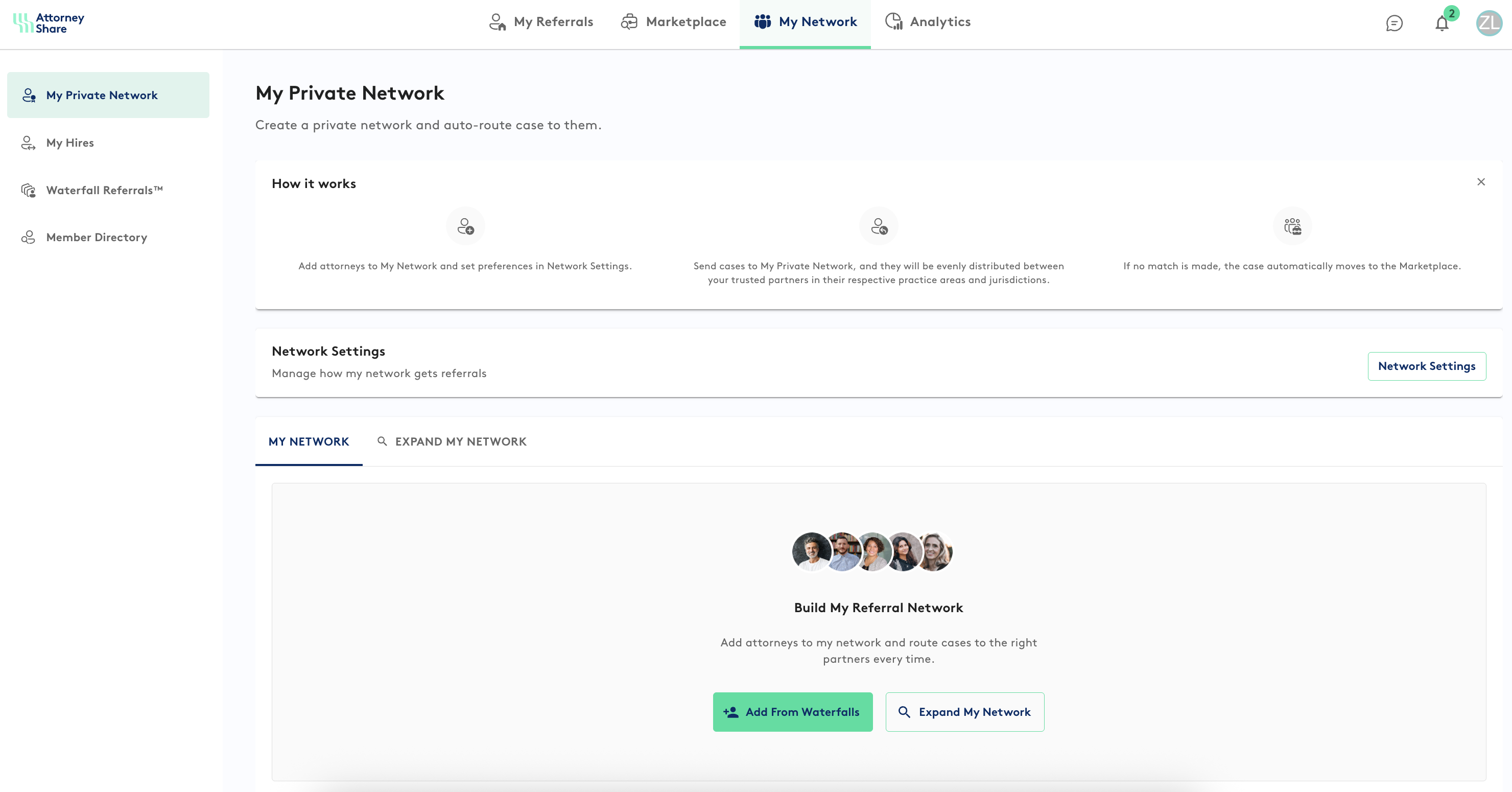
Here's how it works:
- Add attorneys to your My Private Network. You can pull in the members of you current Waterfall networks, and/or use the 'Expand My Network' button within My Private Network to find other attorneys.
- Specify the referral fee split you would like presented to each of your referral partners.
- In Network Settings, set the time limit for each partner to respond before moving onto the next partner, and the number of partners to invite before moving the case to the Marketplace.
- When creating a case, assign it to your My Private Network.
- Attorney Share will automatically invite the partner in your My Private Network that matches the jurisdiction the practice area of that case. If they decline the case, an invite will be sent to the next attorney that matches those specifications.
- Subsequent referrals will be distributed equally among your referral partners, i.e. cases will not be sent to the same attorneys in the same order each time.
If you have any questions, please reach out to support@attorneyshare.com